S3Archives
My Personal Cloud Storage
A personal cloud storage built for my own archive. Organizing files, browsing photos in timeline view, and managing documents using my own S3-compatible storage.
Why S3Archives?
Take control of your data with a modern, self-hosted cloud storage solution
Own Your Data
No third-party cloud services. Your files live on your own S3-compatible storage. Complete control, complete privacy.
Lightning Fast
Built with modern web technologies. Optimized for mobile. Fast uploads, instant previews, smooth performance.
Mobile First
Native Android app built with Capacitor. Access your files anywhere, anytime. Desktop experience included.
Multi-Storage & Migration
Connect multiple S3-compatible endpoints and move files between them on the fly. No vendor lock-in—your data lives in your own buckets.
What It Does
Features I built to organize my personal archive
Smart Search
Filter by name, file type, size, date range, or storage endpoint.
Folder Upload
Upload entire folders with their structure preserved—great for Google Takeout.
Nested Folders
Organize files into nested folders with move, rename, and cycle-safe reorganizing.
Multi-Storage Migration
Connect multiple S3 endpoints and move files between them on the fly.
Bulk ZIP Download
Select many files and download them as a single ZIP with folders intact.
Duplicate Detection
Skips re-uploading files that already exist and flags wasted space.
Favorites
Star important files and folders for quick access.
Trash & Smart Restore
Soft-delete with restore that revives parent folders so nothing is orphaned.
Public Links
Share files via secure token links with optional expiry and revocation.
Media Viewer
Built-in image and video viewer with range-streamed playback.
Photos Timeline
Browse all your photos and videos in a date-grouped gallery with fast on-device caching.
Dashboard Insights
Usage, file-type distribution, largest files, and cleanup recommendations.
Self-Hosted
All data stored on my own private S3-compatible storage.
Compare Solutions
See how S3Archives focuses on personal cloud storage
| Feature | S3Archives | Google Drive | Dropbox | Immich |
|---|---|---|---|---|
| Self-Hosted | ||||
| S3 Compatible | ||||
| Mobile App | ||||
| Multiple Storage Endpoints | ||||
| File Management | ||||
| Photos Timeline | ||||
| Public Sharing | ||||
| No Subscription |
Comparison is for informational purposes. Each solution has different goals and strengths.
Live Statistics
Real-time metrics from my personal archive
See It In Action
Experience the clean, modern interface designed for your files
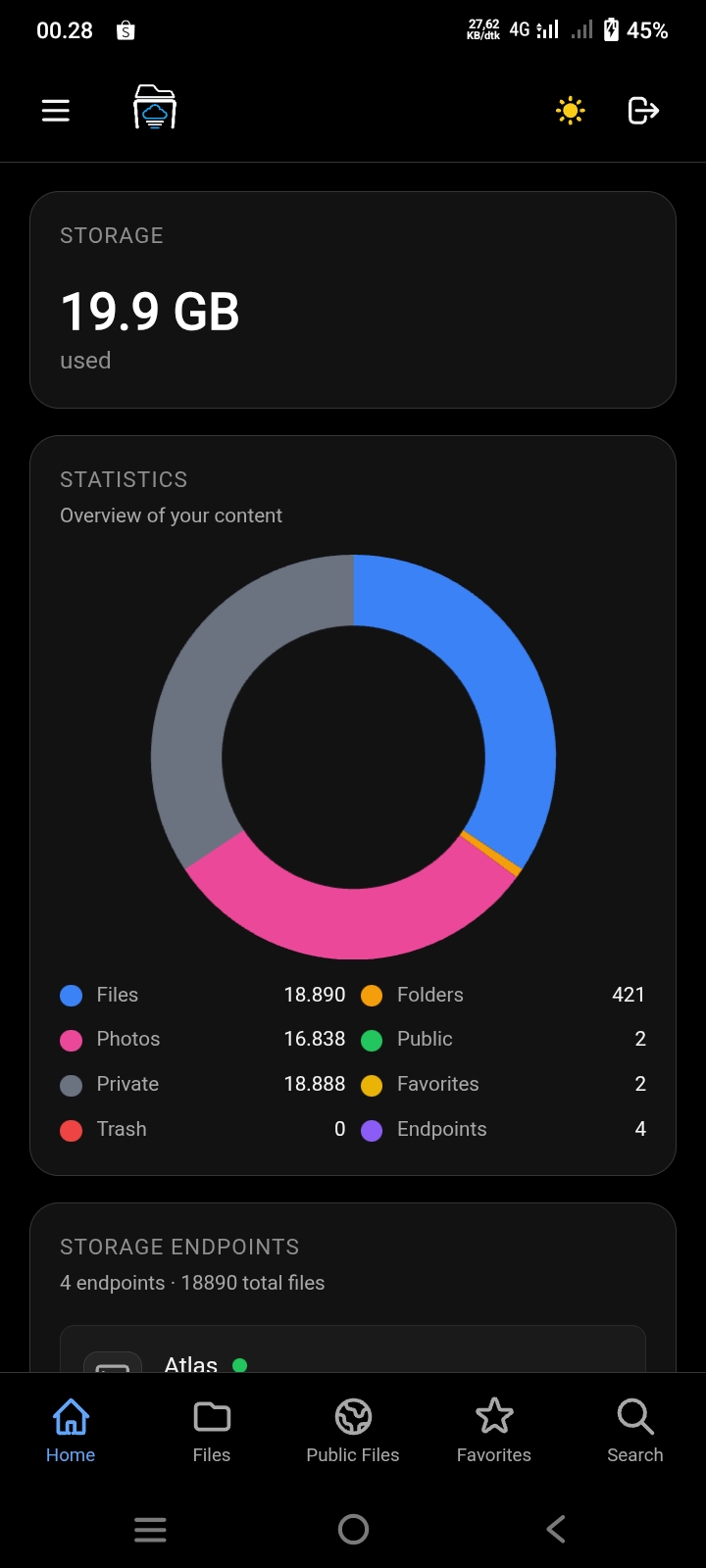
Dashboard View
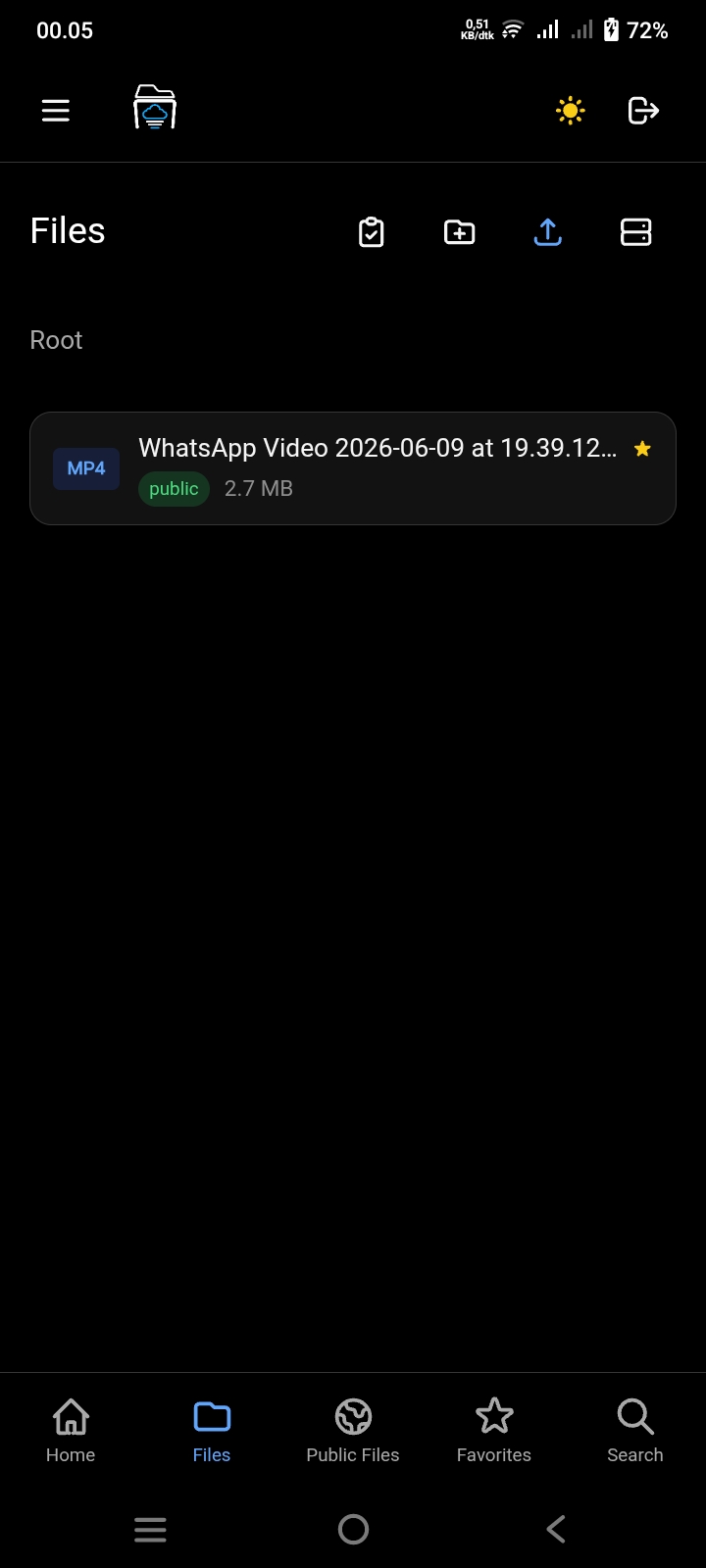
Files Explorer
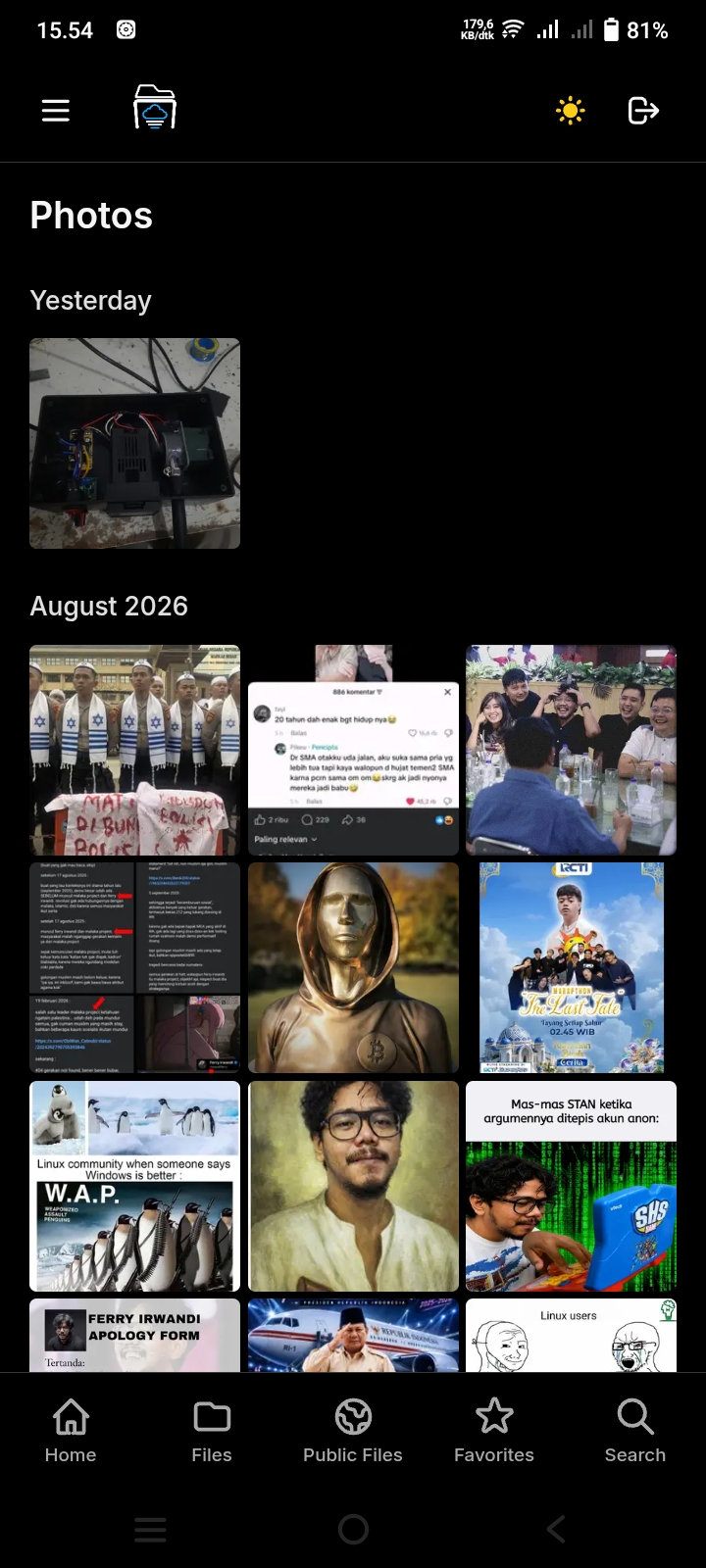
Photos View
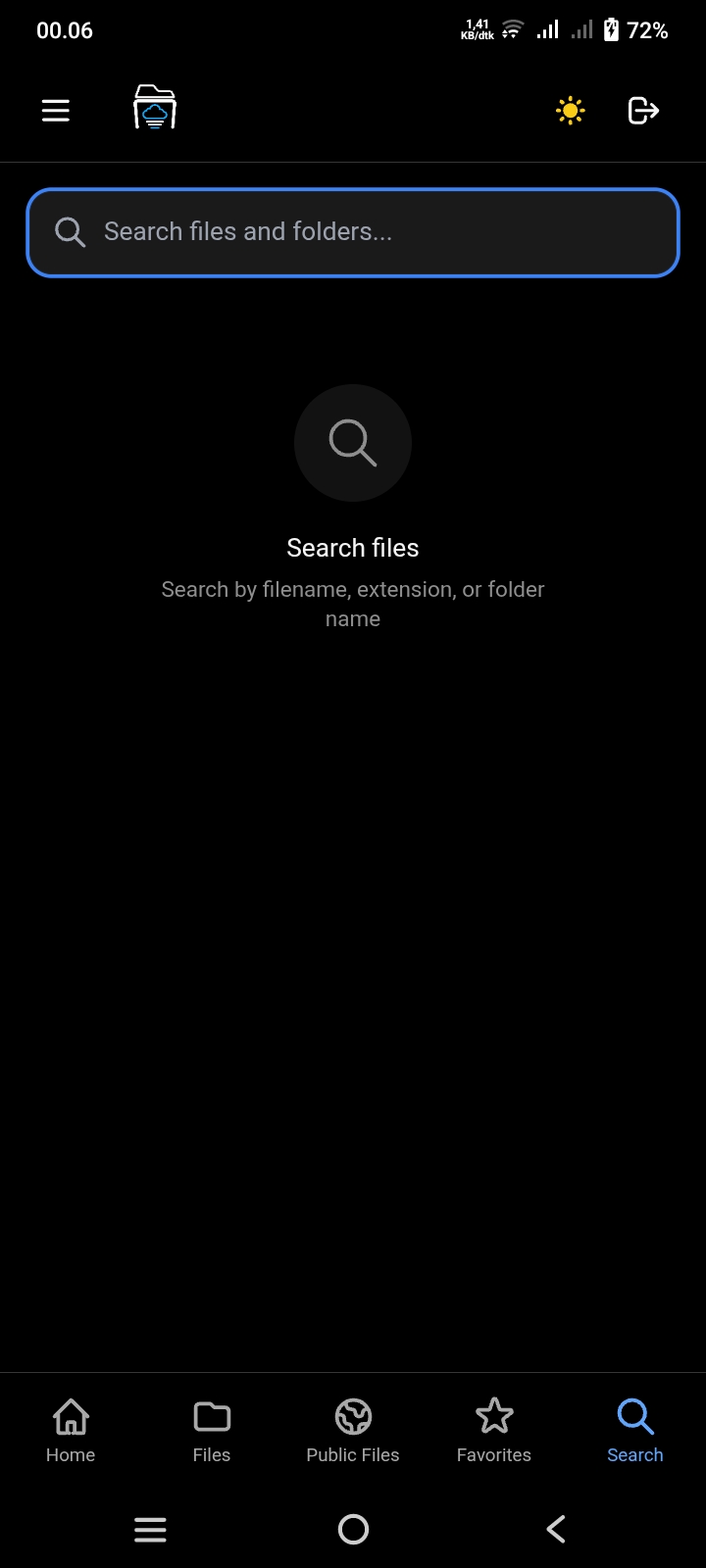
Fast Search
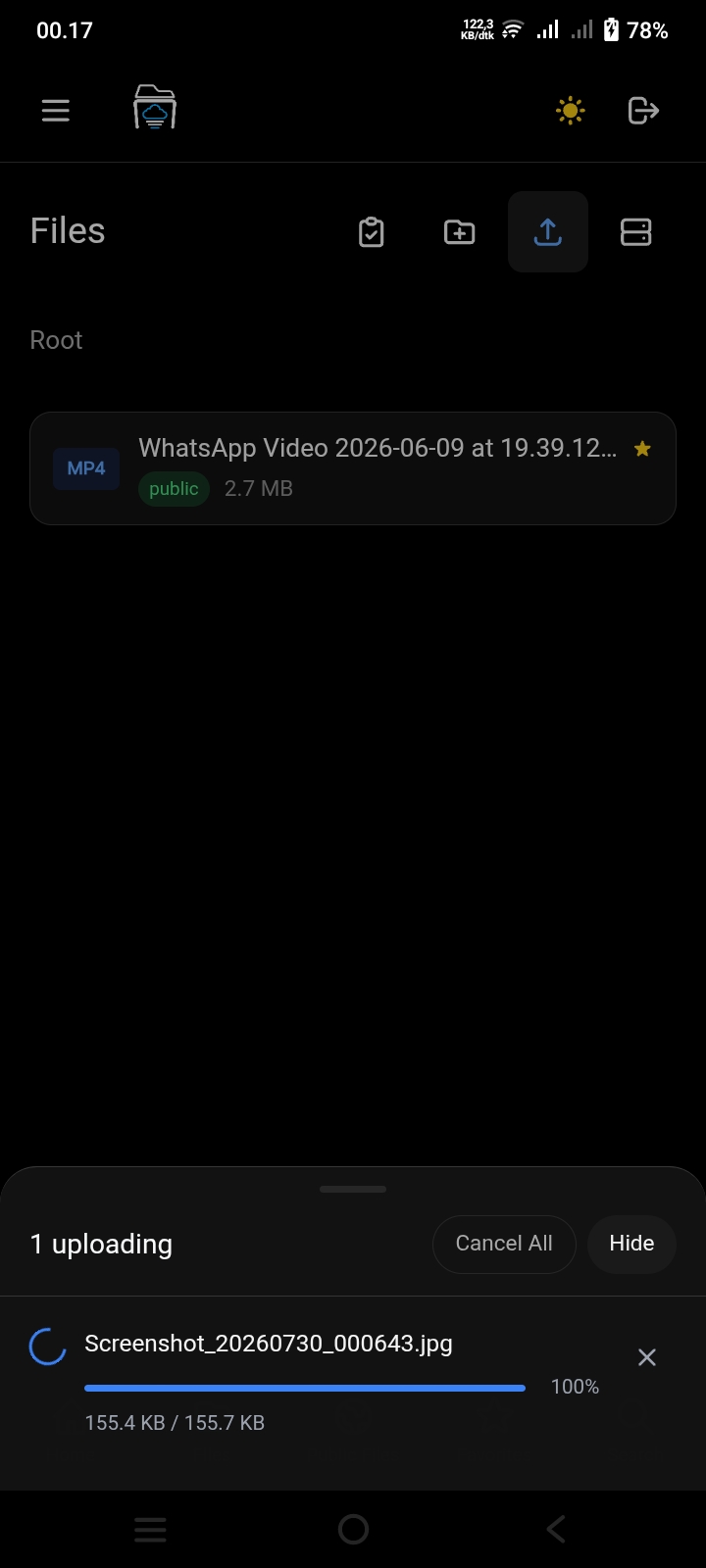
Upload Manager
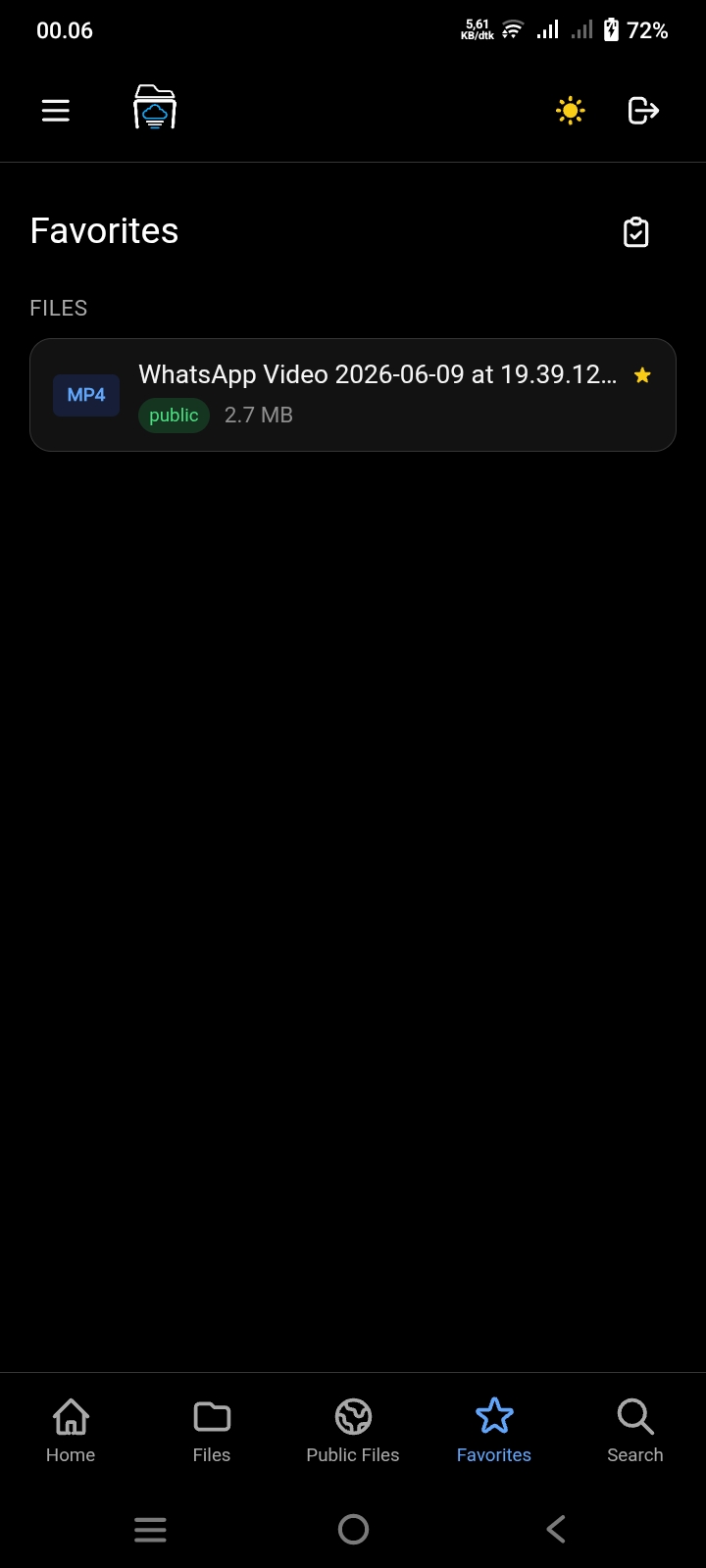
Favorites
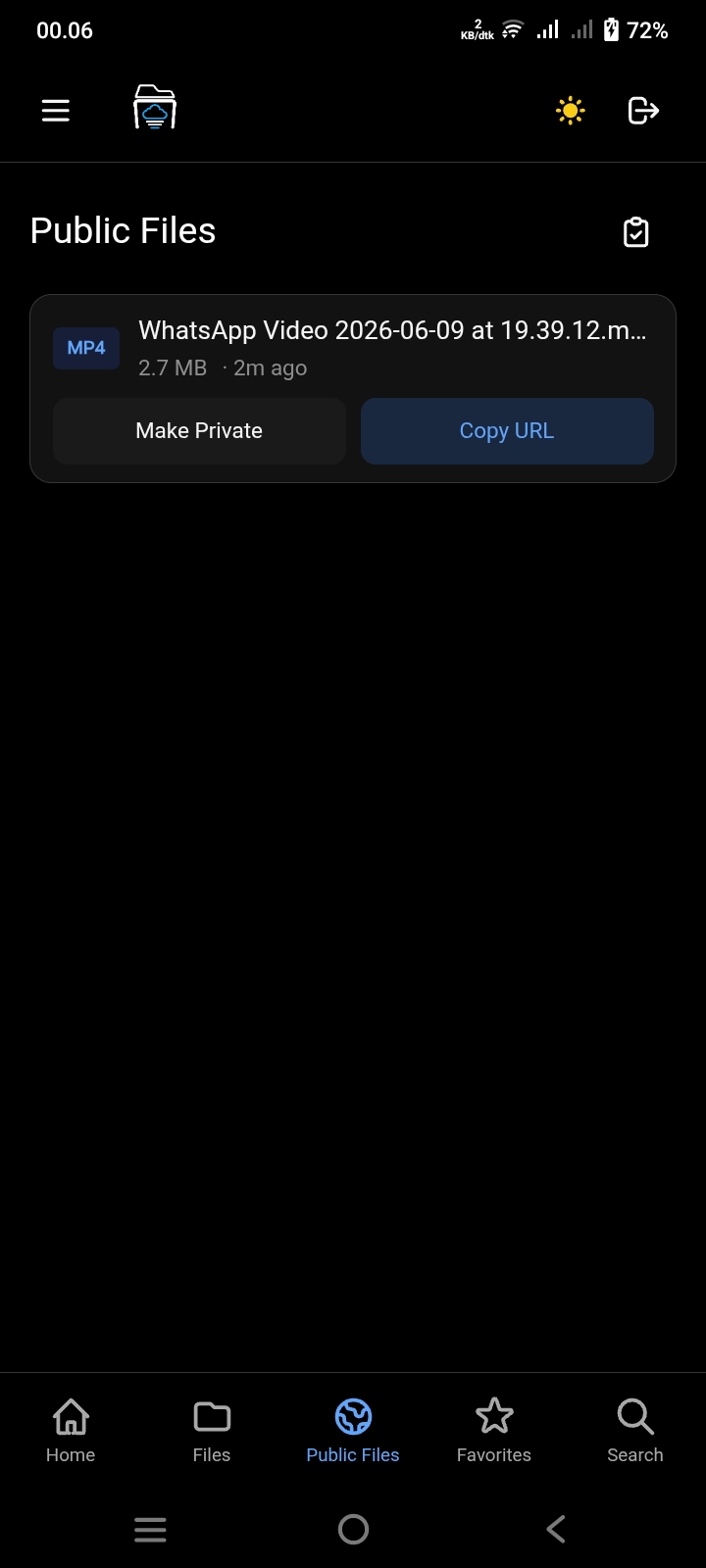
Public Share View
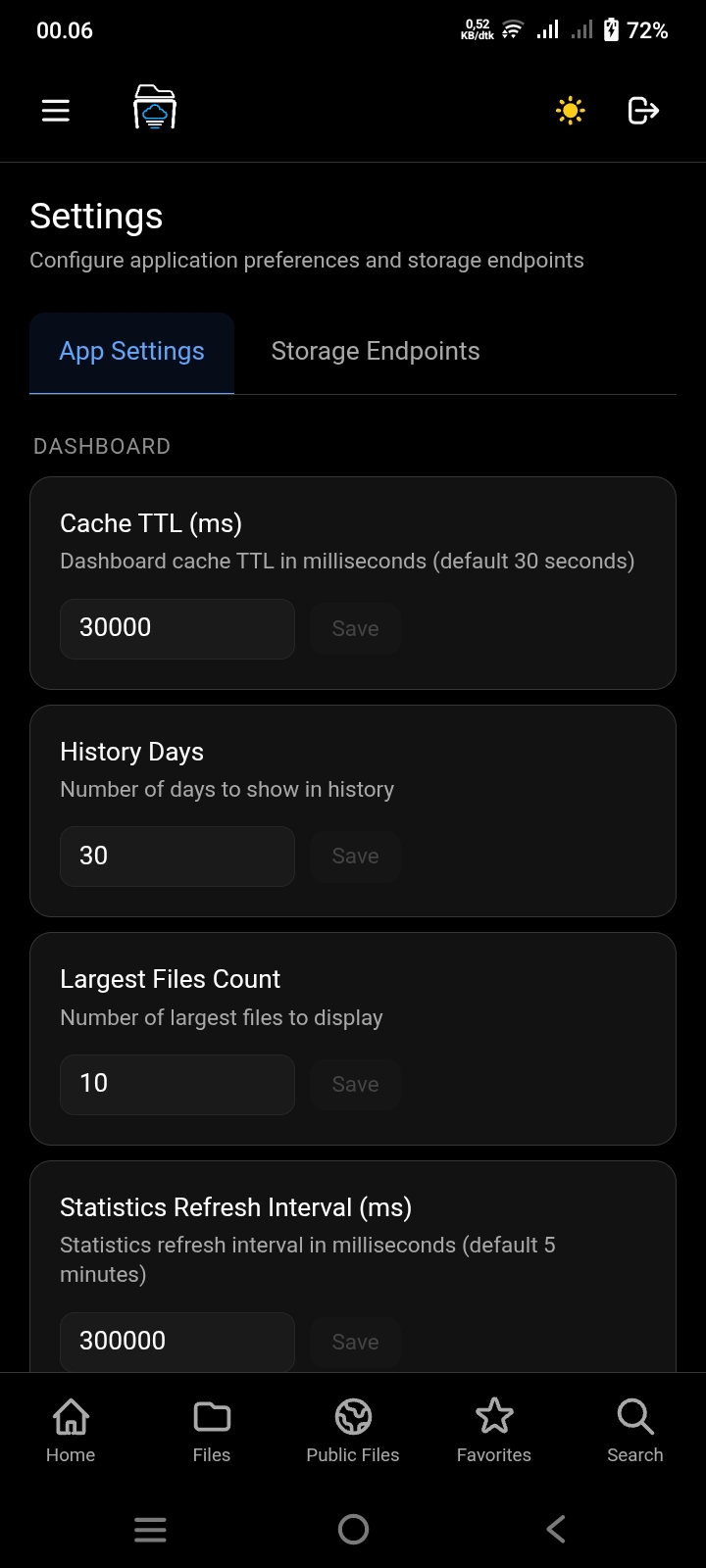
Settings
Security & Privacy
Your data, your control. Built with security in mind.
Self-Hosted
Your files live on your own infrastructure. No third-party servers, no data mining, complete ownership.
Full Control
You control access, backups, and retention policies. No vendor lock-in, no surprise policy changes.
Secure Auth
JWT with rotating refresh tokens, hashed at rest and delivered over HttpOnly cookies. Passwords hashed with bcrypt. Rate limiting on every route.
Zero Tracking
No analytics, no tracking scripts, no third-party cookies. Your usage patterns stay private.
S3 Compatible
Works with MinIO, Wasabi, Backblaze B2, Cloudflare R2, or any S3-compatible storage provider.
Private by Default
Buckets stay fully private. Every file is served through short-lived presigned URLs or a backend proxy—never public objects.
Why I Built S3Archives
I wanted to have my own cloud storage instead of relying on third-party services. Having full control over where my files are stored gives me peace of mind.
This project also became a learning journey. Building an end-to-end application from frontend to backend, integrating with S3-compatible storage, and creating a native Android app taught me a lot about full-stack development.
S3Archives helps me keep my personal archive organized—photos, documents, videos, and other files I want to keep. Everything is structured, searchable, and accessible from anywhere. The Photos timeline feature lets me browse all my images and videos in a beautiful date-grouped gallery, similar to Google Photos.
It's also a place where I experiment with technologies I'm interested in: Vue 3, Express.js, MinIO, Capacitor, and modern web development practices. Each feature I add is an opportunity to learn something new.
Technology Stack
Technologies I used to build this project
Vue 3
Frontend
Express
Backend
MinIO
Storage
Capacitor
Mobile
Tailwind CSS
Styling
S3 API
Cloud Storage
Planned Improvements
Features I'm working on or considering
Password-Protected Shares
Add an optional password on top of link expiry
Multipart Upload
Handle large files more efficiently
Resume Upload
Continue interrupted uploads automatically
Storage Quota
Track and enforce per-account storage limits
Video Metadata
Extract duration and generate video thumbnails
No timeline or promises—just ideas I'd like to explore when I have time.
Questions & Answers
Common questions about this project